
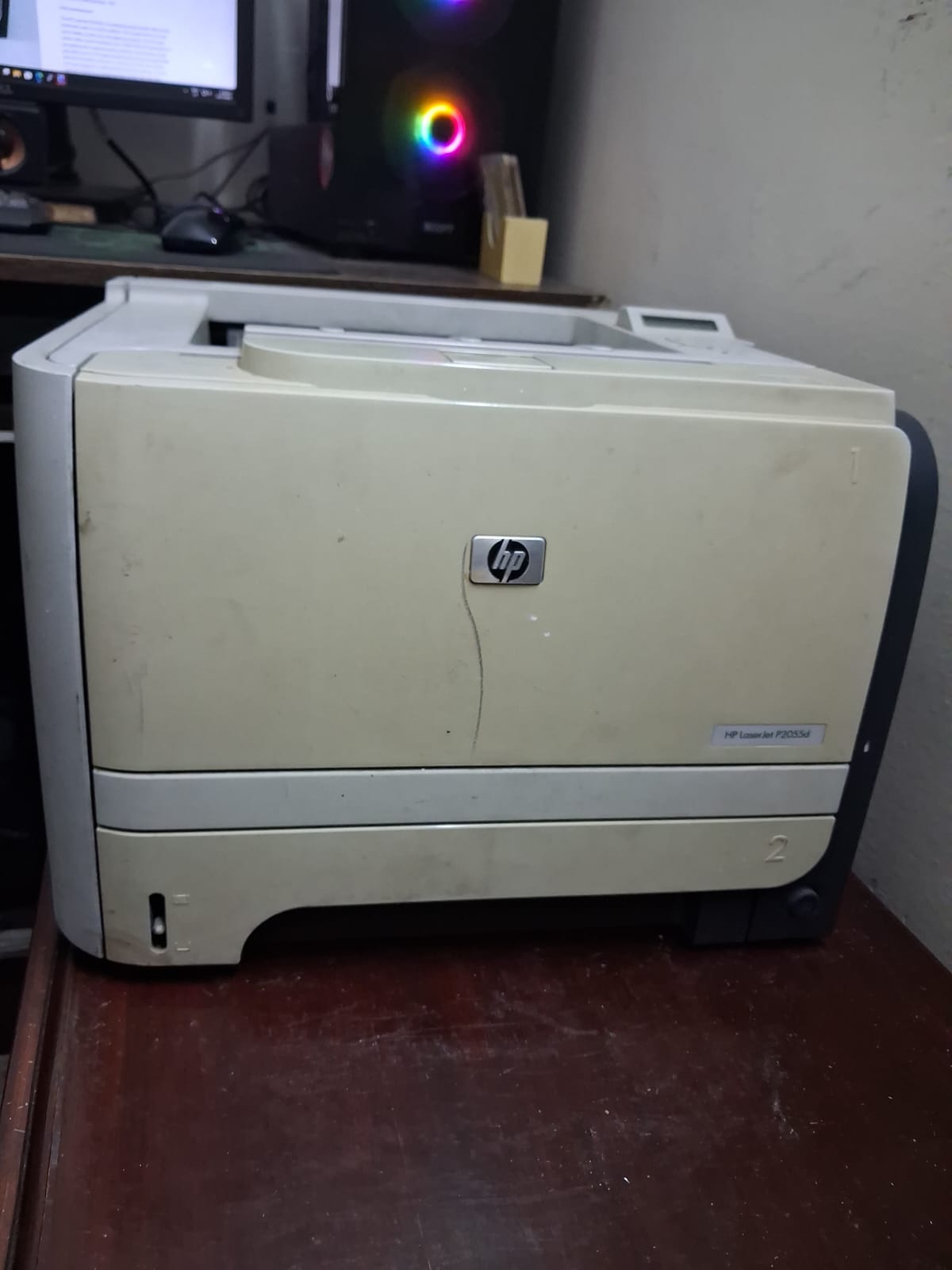
How to Fix the HP LaserJet P2055d Power Button Flashing Issue (No Initialization)
July 23, 2026
When your HP LaserJet P2055d becomes completely unresponsive—displaying no initialization, making no sound, and showing nothing but a continuously flashing power button—it usually points to a specific hardware fault. Rather than tossing the unit, you can easily revive it with a quick internal adjustment.
The Culprit: A Faulty Button Chip
The main cause of this unresponsive "dead" state is a malfunction within the printer's power button chip. Like any electronic component, this button can fail due to a few common reasons:
- Excessive power surges
- Reaching the end of its natural lifecycle
- Rapid or excessive on/off toggling
- General physical damage to the chip itself
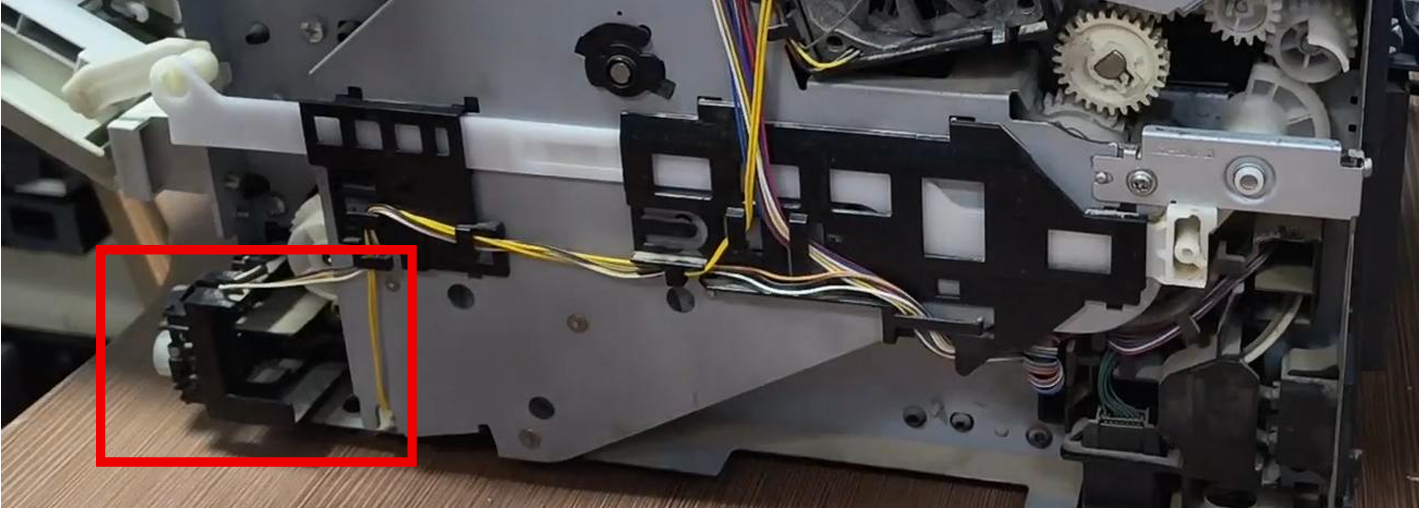
The Quick Hardware Bypass
While the ultimate solution is to purchase and install a completely new button assembly, there is a highly effective, zero-cost workaround. If you are comfortable opening up the casing and bypassing a faulty component, you can simply disconnect the button from the printer's mainboard.
Here is how to apply this quick fix:
- Locate the Mainboard: Access the main circuit board, which is located at the back of the printer.
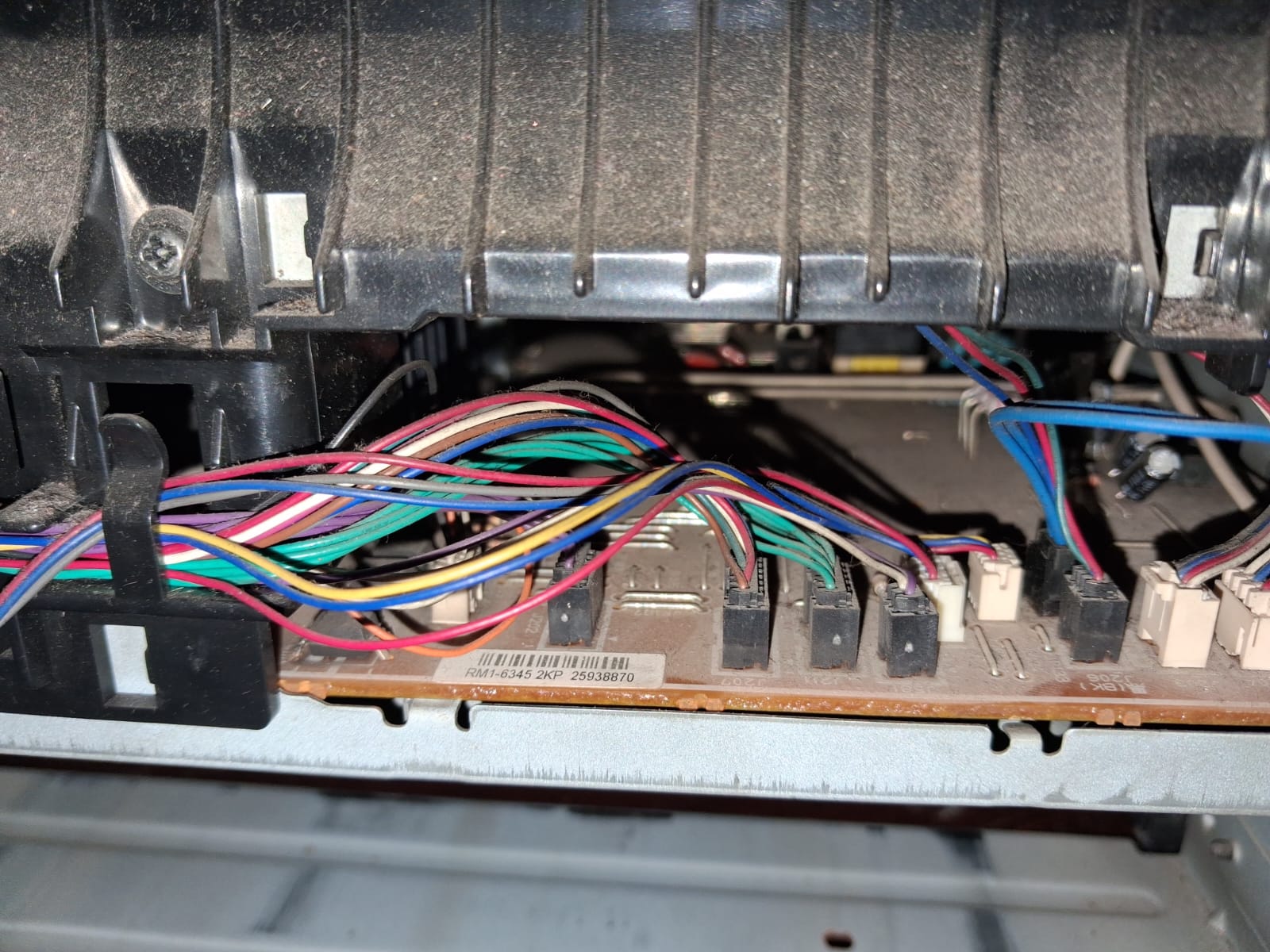
- Identify the Connector: Look for the first connector on the board, which features an orange, white, and black wire bundle.
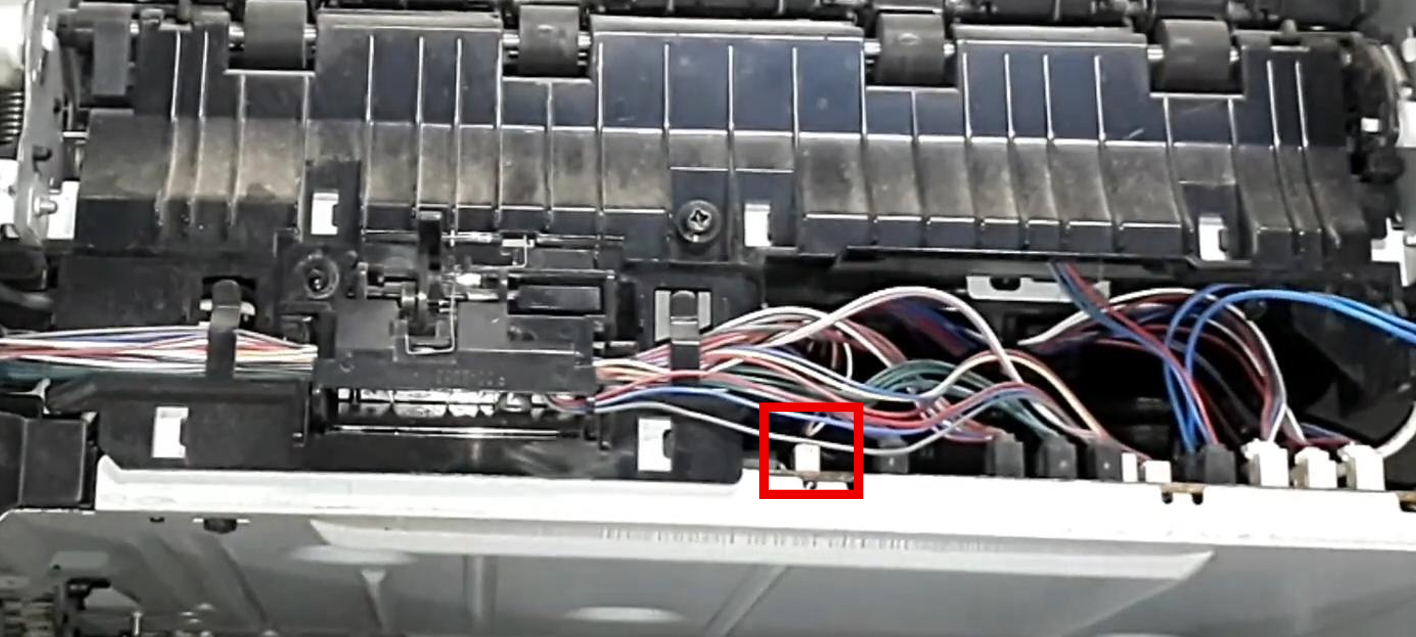
- Unplug It: Carefully disconnect this specific wire from the mainboard.
The Result: Direct Power
What does this do? Unplugging this wire entirely disables the faulty physical power button and essentially wires your printer directly to the power source.
Going forward, the printer will automatically power on the moment you plug the power cable into the wall, and it will shut down when you unplug it. It is a straightforward, highly practical fix to get your flashing, non-working HP LaserJet 2055d back into production immediately.